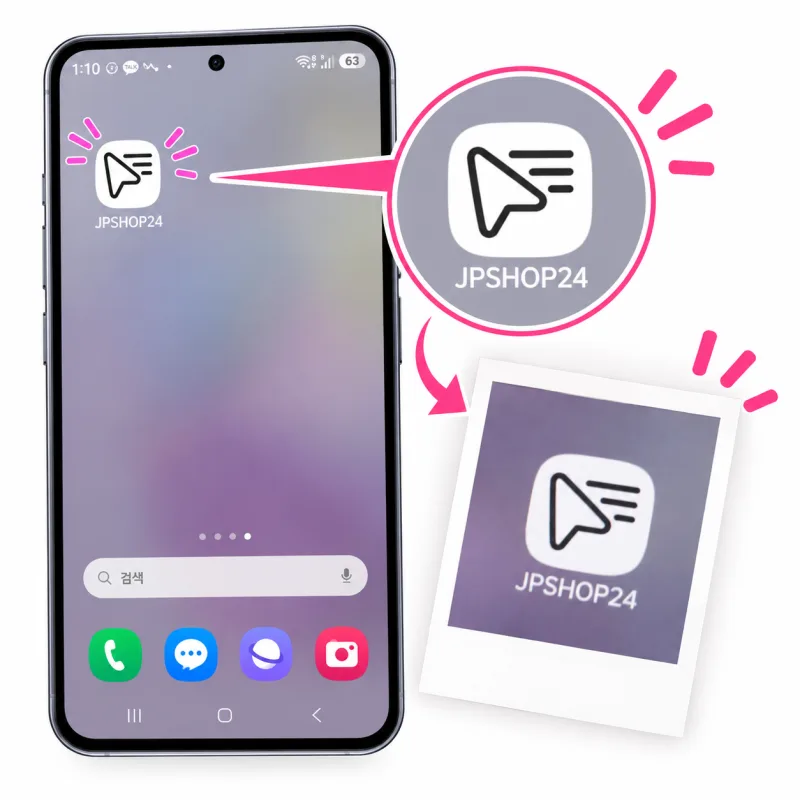
[Galaxy / Android Users] Add JPSHOP24 to Your Smartphone Like an App
If you use an Android smartphone like a Galaxy, you can easily use JPSHOP24 like an app using your default internet browser (Samsung Internet) without downloading a separate app! Just follow the steps below.
- Open the Internet (Samsung Internet) app on your smartphone.
- Type jpshop24.com into the address bar to visit the site.
- Tap the menu button (three horizontal lines ≡ icon) at the bottom (or top right) of the screen.
- Tap "Install and create shortcut" or "Add to Home screen" from the menu that appears.
- When the prompt pops up, tap "Install" or "Add".
- You can see that the "JPSHOP24" icon has been nicely created on your smartphone's home screen.
From now on, you can simply tap the JPSHOP24 icon added to your smartphone screen to use it conveniently like an app!